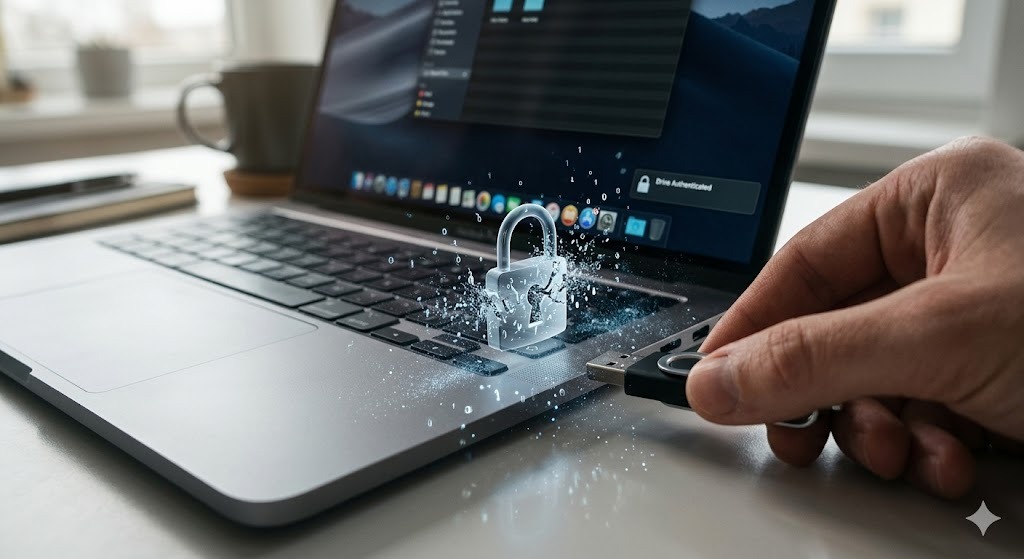
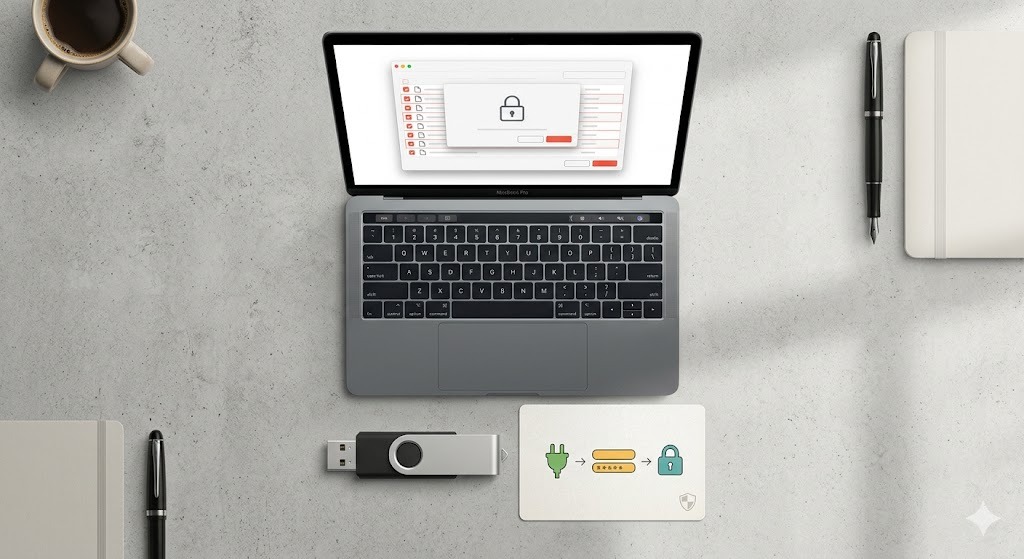
If you are looking for a simple "open password" prompt before a Google Doc loads, you won't find it. Here is a complete guide to Google's privacy settings and the strongest offline alternatives for securing sensitive files.
You cannot directly password protect a Google Doc with a native open password feature. Instead, Google Workspace relies on a "permissions password" model tied to Google accounts. If you require true file-level AES-256 encryption (an "open password"), you must download the document as a Word file (.docx) and use a dedicated tool like Folder Lock on Windows.
Many users search for how to make a google doc password protected expecting a simple text box where they can type a secret word to lock the file. Microsoft Word and Adobe PDF have offered this for decades. However, Google's architecture is entirely different.
Google relies on identity, not file-level passwords. To secure a document in Google Drive, you restrict access to specific email addresses. When someone tries to open the document, their Google login acts as the "password." This is incredibly convenient for team collaboration, but it falls short if you need to password protect shared files before sending them to external clients, or if you need to lock offline backups.
"Relying solely on cloud account permissions means if your primary email is compromised, your documents are exposed. True document password protection requires client-side encryption before the file touches the cloud."
Below, we explain exactly how to configure Google's native settings, and when you should switch to robust document security software to properly password protect a file.
While you cannot protect a google doc with a password natively, you can lock down its sharing permissions to prevent unauthorized viewing, editing, or copying.
Here is how to properly configure your document:
How do you currently have the sharing settings configured?
If that link is forwarded or leaked, anyone can read your HR document. Google does not prompt for a password. You need to change "General access" to Restricted immediately.
To fully prevent document copying natively, you must adjust the gear icon settings in the Share menu.
You have made the document as private as Google allows. However, remember: this still isn't true office file encryption. The document is stored unencrypted on Google's servers.
If you search for how do i password protect a google doc, you need to understand the difference between cloud permissions (what Google uses) and cryptographic open passwords (what software uses).
| Security Method | Type of Protection | AES-256 Encryption? | Best For | Limitations |
|---|---|---|---|---|
| Google Docs "Restricted" | Permissions Password | No (Server-side only) | Live team collaboration | No true file lock; depends entirely on Google account security. |
| MS Word Native Lock | Open Password | Yes | Single Word files | Cannot password protect a google drive folder; single file only. |
| 7-Zip / ZIP Archives | Archive Password | Yes | Sending multiple files | Clunky interface; requires extraction before viewing files. |
| Folder Lock (Windows Desktop) | Open Password & Virtual Drive | Yes (On-the-fly) | Offline securing and batch protection | Requires Windows PC for setup; not a cloud-native editor. |
Because you cannot password protect google docs file with a native encryption key, the most secure workaround is to download your files and lock them locally on your Windows PC before storing them.
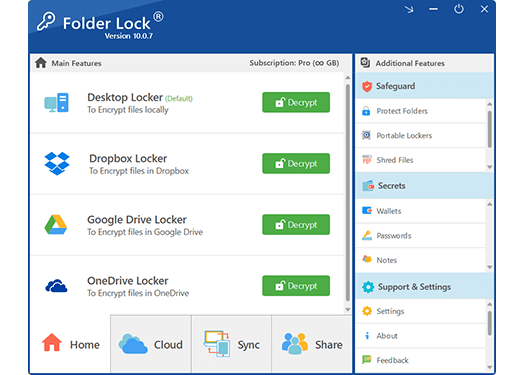
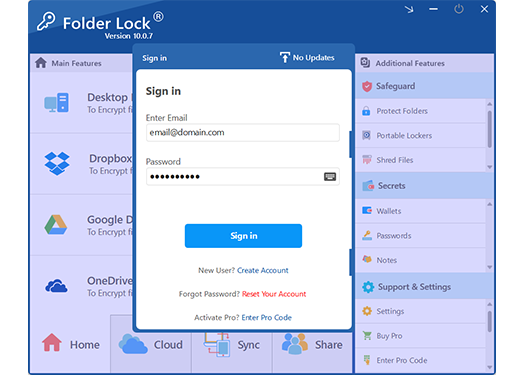
We recommend Folder Lock for Windows users who need strict document password protection. It creates encrypted lockers that look like regular drives, allowing you to secure exported Google Docs, PDFs, and folders instantly.
If you want to securely store a sensitive exported document, relying on cloud link sharing isn't enough. Here is what an offline solution provides for Windows users.
Instead of just hiding a file, this method cryptographically scrambles the document. If someone tries to open the file without the password, the data is mathematically unreadable. Folder Lock handles this "on-the-fly"—meaning it mounts an encrypted virtual drive in your computer's memory to let you edit files safely without leaving unprotected traces on your hard drive.
If you still want your files in the cloud, you can configure a dedicated "Google Drive Locker" within the software. When you drop an exported document into this designated space, the software cryptographically scrambles the data before Google's desktop client syncs it to the cloud. This ensures that even if your cloud account is hacked, the stored files remain entirely secure.
What happens if someone gets ahold of your laptop and tries to guess the password to your encrypted documents? Dedicated software actively monitors for these threats. It logs the time and date of incorrect password attempts, and you can configure the system to automatically shut down your PC, close the application, or log out of Windows if too many incorrect guesses occur.
Moving a sensitive Google Doc export into an encrypted vault leaves behind a shadow of the original data on your hard drive, which hackers can retrieve. A robust security workflow requires you to actively shred the original, unencrypted source file. Tools like Folder Lock apply military-grade deletion standards (like DoD 5220.22-M or 35-pass Gutmann algorithms) to permanently wipe the unprotected draft.
To get a true password prompt, you must download the document from Google and secure it locally. Here is the step-by-step process using Folder Lock on Windows.
"You can then upload this encrypted locker file back to Google Drive. This is the only way to genuinely password protect google drive folder contents from cloud server breaches."
A common mistake when sharing a secured file is emailing the password alongside the document. If the email is intercepted, the encryption is rendered useless.
When you need to send an exported, locked Google Doc to a colleague, advanced desktop tools solve this communication flaw by utilizing asymmetric key cryptography. If your recipient also uses the same security software, you do not need to share your master password with them.
Instead, the software allows you to securely apply viewing permissions to their specific user profile. They can then authenticate and open the shared document using their own unique credentials. This ensures the encryption key is never transmitted over the internet, vastly improving your cross-platform document security workflow.
When you rely on high-grade document password protection, forgetting your password is a serious issue. Cryptographic lockers do not have simple "forgot password" reset links.
Cause: You are likely signed into the wrong Google Workspace account.
Fix: Switch to the exact email address the document was shared with. If that fails, click "Request Access" on the warning screen to prompt the file owner.
Cause: True AES-256 encryption has no backdoor.
Fix: Folder Lock does not store your master password on their servers. To recover access to the application interface, you must use the Master Key provided during your software purchase registration. Locate your license email and contact vendor support for owner-verification steps. There is no legitimate way to crack folder lock password without the original key.
Cause: The archive is corrupted or the password contains unsupported characters.
Fix: Ensure your caps lock is off. If using 7-zip aes-256 encryption, try updating to the latest version of 7-Zip, as older versions sometimes struggle with modern AES headers.
If you only occasionally share recipes or drafts, Google's free permissions are fine. But if you manage financial records, HR data, or legal drafts, investing in offline office file encryption is highly recommended.
Best for casual sharing, but lacks batch folder protection and centralized management.
No. Google Docs does not have a native feature to set a custom "open password" on a specific document. Instead, it uses a permissions-based model tied to individual Google user accounts.
The best alternative is to download the document as a Word file (.docx) or PDF, and then use desktop encryption software (like Folder Lock or 7-Zip) to apply AES-256 password protection locally before sharing or storing the file.
Open the Share menu, change General access to "Anyone with the link," and ensure the role dropdown next to it is set to "Viewer" (not Commenter or Editor). To prevent copying, click the settings gear in the share menu and uncheck the option for viewers to download, print, or copy.
You cannot password protect the folder natively in Google Drive. You can only manage who has access to the folder via their email address. To truly password protect google drive folder contents, encrypt the folder on your Windows PC first, then upload the encrypted locker file to Google Drive.
It depends on the software used. A basic PDF password might only restrict editing (a permissions password). A strong PDF tool will apply AES encryption, meaning the file data is scrambled. Always verify your document security software uses AES encryption for "open passwords."
While Google Docs excels at collaboration, its lack of a native open password feature leaves a gap for users needing strict offline security. If you want to guarantee that a document cannot be opened without a specific password, exporting it and using a tool like Folder Lock remains the most secure approach for Windows users.